Logging on to linux.bath.ac.uk
This episode details how to get started on the University of Bath’s general use linux service ‘linux.bath.ac.uk’. This service runs Ubuntu, a common Linux operating system with similar appearance to that found on MacOs and HPC services. You can access this machine from the Windows machines in the PC lab or from any other PC on campus.
Getting Started
First we need to download data for this lesson:
Download data-shell.zip and move the file to your ‘H-drive’. Unzip/extract the file (ask your instructor if you need help with this step). You should end up with a new folder called data-shell in your ‘H-drive’.
Now you are ready to log into linux.bath. Go to:
- ‘Start’ → All Programs → Xming → linux
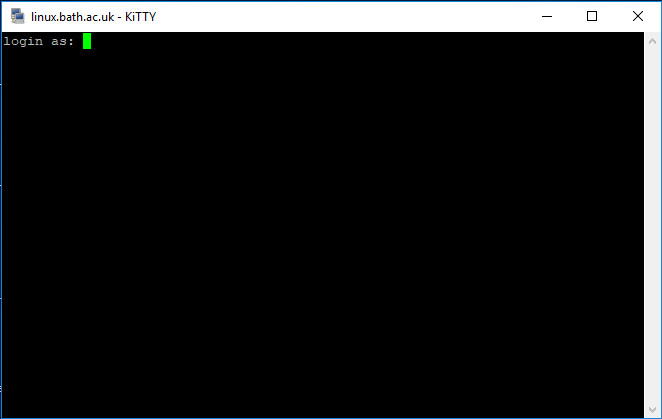
This launches a program called ‘Kitty’ which will try to connect to the linux service. A window should open which looks like:
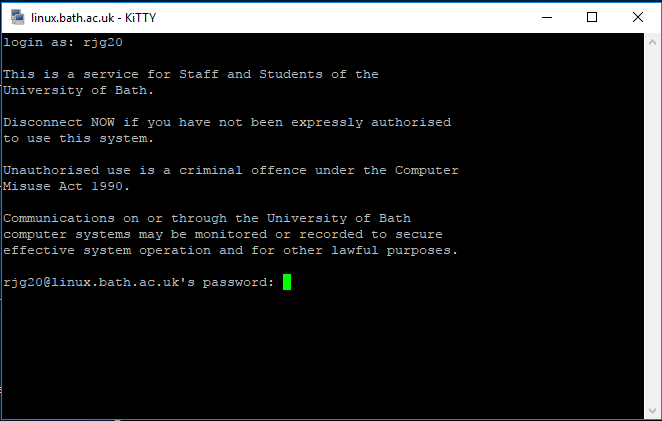
Type your user name and you should be prompted for a password:
If you have successfully logged on, the window should now look something like this:
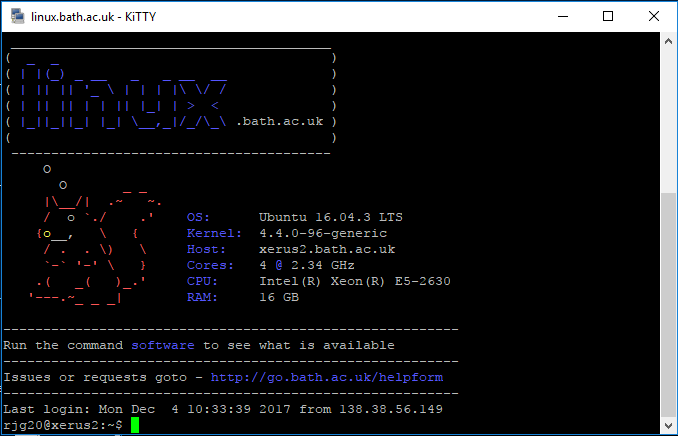
You should be able to see your username followed by @linux or similar. On ‘linux.bath’ this is the name of the machine that you have logged onto. Since a number of machines make up the service what you see may be slightly different.
Kitty is a derivative of another tool Putty which can has similar functionality, both use a service called ssh to connect to the linux service. This may be referred to as a shell, terminal, command line session. We use Xming since this also allows grapchics to be forwarded over the ssh connection, but this may not form part of your course.